Craftstack Academy
SQLStandalone course

Databases & SQL Fundamentals

From what a database actually is to designing schemas and writing real SQL queries with confidence.

  • 5 sessions
  • 60 min each
  • Beginner
  • No coding experience needed
  • Browser editor or DB Browser for SQLite
  • Certificate when you finish the course

Course overview

What you'll learn

  • Set up DB Browser for SQLite, learn tables, rows, columns and keys, and create your first tables with CREATE TABLE.
  • Primary and foreign keys, one-to-many and many-to-many, normalization, and a three-table school database.
  • Choose columns, filter with WHERE, sort with ORDER BY, limit results and search text with LIKE.
  • Combine tables with JOIN and LEFT JOIN, and summarize with COUNT, AVG and GROUP BY in a school dashboard.
  • INSERT, UPDATE and DELETE safely, constraints and indexes, and your own database as the capstone.

Who this course is for

  • Complete beginners: you need no coding experience.
  • You learn best by writing the code yourself, not by watching videos.
  • You want feedback on your own code, at your own pace, one hour at a time.
  • You would rather start in the browser than install tools first.

Course syllabus

  • 5 sessions
  • 30 blocks of 10 min
  • 5 hours

Each session is one hour with the AI tutor and uses one credit. Sign in to start.

  1. Session 2Designing a Simple DatabasePrimary and foreign keys, one-to-many and many-to-many, normalization, and a three-table school database.
    1. Welcome back and warm-up10 min
    2. Primary keys10 min
    3. Foreign keys and one-to-many10 min
    4. Many-to-many and normalization10 min
    5. Project: the school database10 min
    6. Final check and wrap-up10 min
  2. Session 3Querying Data with SELECTChoose columns, filter with WHERE, sort with ORDER BY, limit results and search text with LIKE.
    1. Welcome back and warm-up10 min
    2. SELECT and WHERE10 min
    3. ORDER BY and LIMIT10 min
    4. LIKE and combining conditions10 min
    5. Project: a school report10 min
    6. Final check and wrap-up10 min
  3. Session 4Joining & Aggregating DataCombine tables with JOIN and LEFT JOIN, and summarize with COUNT, AVG and GROUP BY in a school dashboard.
    1. Welcome back and warm-up10 min
    2. INNER JOIN10 min
    3. LEFT JOIN10 min
    4. Aggregates and GROUP BY10 min
    5. Project: a school dashboard10 min
    6. Final check and wrap-up10 min
  4. Session 5Modifying Data & CapstoneINSERT, UPDATE and DELETE safely, constraints and indexes, and your own database as the capstone.
    1. Welcome back and warm-up10 min
    2. INSERT and UPDATE10 min
    3. DELETE10 min
    4. Constraints and indexes10 min
    5. Capstone: design and query your own database10 min
    6. Final check, next steps and celebration10 min

How the tutor teaches

The same three rules in every session, from the first line of code to the last.

Practice, not videos

You write all of the code. The tutor reacts to what you actually typed, line by line.

Hints, not answers

A ladder from a light nudge to the solution, and only after you have made a real attempt.

Real output, never invented

Your code runs for real. The tutor reads what the machine showed, and trusts it.

Keep the momentum going

Where the other paths begin.

All courses

Errors you may meet in this course

Frequently asked questions

What students ask before they start Databases & SQL Fundamentals.

Do I need to install anything?

Not for this course. The editor in the page runs your code next to the chat. If you prefer, you can use DB Browser for SQLite on your own computer.

What if I get stuck?

The tutor gives a ladder of hints, from a light nudge to the solution, and only after you have made a real attempt.

Do I keep my code?

Yes. In the editor in the page, your project is saved on the server for this course, continues in your next session on any device, and downloads as a .zip.

Do I get a certificate?

Yes. When you have finished every session, you get the Databases & SQL certificate of completion with your name: a link anyone can check, one-click LinkedIn and a PDF.

Do I need anything from before?

No. This course starts from zero. Take the sessions in order: each one builds on the one before.

Write your first query in the next 20 minutes.

Twenty minutes with the tutor, right in your browser. No card, nothing to install.
Start the free trial
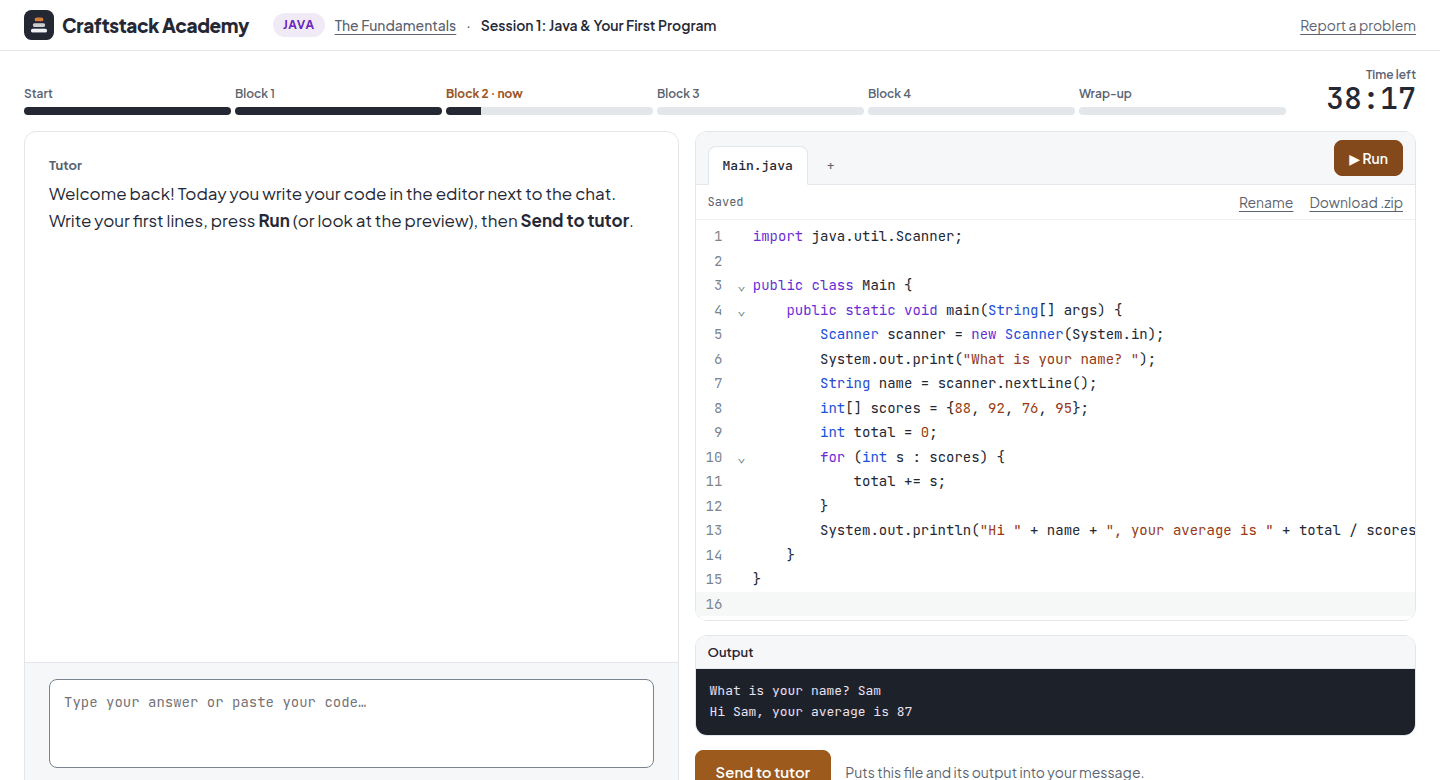
A session: the tutor's chat on the left, the code editor with a Java program and its output on the right