You've decided to learn to code. You search for where to start, and within ten minutes you have read forty opinions, three of them angry. One person says Python, one says JavaScript, one says "it doesn't matter", and someone else says you should start with C because it builds character.
This guide is for the moment before your first line of code. It compares the four languages most beginners choose between, Python, JavaScript, SQL and Java, using the same small program in each, so you can see the differences instead of just reading about them. Every program in this article was run, and each prints the same result.
The short answer
If you only read one section, read this one:
- You want to build websites, or you want to see your work on a page you can open and share: start with HTML, CSS and JavaScript.
- You want one language for a bit of everything: automating boring tasks, working with data, AI, small tools: start with Python.
- You work with spreadsheets, reports or any kind of data: learn SQL, on its own or next to one of the others.
- You study computer science, want to work on large back-end systems, or like strict rules: Java is a strong first language, if you don't mind more typing at the start.
- You still can't decide: pick Python. In the 2025 Stack Overflow Developer Survey, 71.8% of people learning to code said they had used Python in the past year, more than any other language. Nothing you learn in it is wasted when you move on.
The rest of this guide explains why, and shows what each language actually looks like.
What matters more than the language
Before the languages themselves, four things decide whether you keep going far more than which language you picked:
- A goal you care about. "Learn to code" is hard to stick with. "Build a page for my photos" or "stop copying numbers between spreadsheets by hand" is much easier, because you know when you've got there. Pick the language that leads to your goal.
- Seeing a result quickly. Most beginners who give up do it early, when it takes a whole evening to get anything on screen. A language and a setup that show you a result in the first ten minutes keep you going.
- Nothing to install at the start. Installing tools, setting paths and fixing versions is a classic place to get stuck before you have written a single line. Start in the browser, and install things once you know you like it.
- Writing the code yourself. Watching videos feels like progress, but you learn to program by typing code, running it and fixing what goes wrong. Ten minutes of your own code teaches more than an hour of watching someone else's.
One more thing: the ideas carry over. Variables, conditions, loops, functions and reading error messages work almost the same way in every language. Your first language is not a lifelong choice; it is where you learn to think like a programmer.
The same program in four languages
To compare the languages fairly, we wrote one small program in each. It starts with five quiz scores and works out three things: how many scores there are, their average, and the best one.
The scores are 72, 85, 90, 64 and 88. Each version prints 5 scores, an average of 79.8 and a best score of 90. Look at how each language gets there.
Python: the all-rounder
Python is a general-purpose language: people use it for automation scripts, data analysis, AI and machine learning, the back end of websites, and science. If you have ever wished a computer would just do a boring task for you, Python is usually the quickest way to make that happen.
scores = [72, 85, 90, 64, 88]

average = sum(scores) / len(scores)

print("Scores:", len(scores))
print("Average:", average)
print("Best:", max(scores))Scores: 5
Average: 79.8
Best: 90What to notice:
- It reads almost like English.
sum(scores),len(scores)andmax(scores)do exactly what their names say. - There is very little punctuation: no semicolons, no curly braces, and you don't have to say in advance what kind of value each variable holds.
- Python uses indentation (the spaces at the start of a line) to group code. That feels strict at first, but it trains you to write tidy code.
The catch: because Python doesn't check the types of your values before it runs, some mistakes only show up when the line runs. The classic one is mixing text and numbers, which we explain in Python TypeError: unsupported operand type(s) for -: 'int' and 'str'. And Python is not what runs inside a web page: if you want to build websites, you'll still need HTML, CSS and JavaScript.
Who it suits: almost everyone who doesn't yet know what they want to build. In the 2025 survey, 57.9% of all respondents had used Python in the past year, up 7 percentage points from 2024.
JavaScript, with HTML and CSS: the language of the web
Every web page is built from three layers. HTML is the structure: headings, paragraphs, buttons. CSS is the look: colours, fonts, layout. JavaScript is the behaviour: what happens when you click, type or scroll. HTML and CSS are not programming languages in the strict sense, but they come as a set with JavaScript, and they are the friendliest possible start: you change a line and see the page change.
const scores = [72, 85, 90, 64, 88];

let total = 0;
for (const s of scores) {
  total += s;
}
const average = total / scores.length;

console.log("Scores:", scores.length);
console.log("Average:", average);
console.log("Best:", Math.max(...scores));Scores: 5
Average: 79.8
Best: 90You can run this in any browser: open the developer tools (F12 in most browsers), go to the Console tab and paste it in.
What to notice:
- JavaScript has no built-in
sum(), so the program adds the scores up with a loop:for (const s of scores)means "for each score in the list". - Curly braces
{ }group the code, and lines usually end with a semicolon. Math.max(...scores)finds the best score. The three dots spread the list out into separate values.
The catch: JavaScript tries hard not to stop with an error, and sometimes that surprises you. "5" + 3 gives "53" (it joins them as text), while "5" - 3 gives 2. Python would stop and tell you that you mixed text and a number. The other trap is the sheer number of tools and frameworks around JavaScript. Ignore them at first: plain HTML, CSS and JavaScript are enough for a long time. When something goes wrong on a page, the error you'll meet first is often the one in Cannot read properties of null (reading 'addEventListener').
Who it suits: anyone who wants to build websites or web apps, or who learns best by seeing results. It is also the most used language overall: in the 2025 survey, 66% of respondents had used JavaScript and 61.9% HTML and CSS.
SQL: the language of data
SQL works differently from the other three. In Python, JavaScript and Java you tell the computer how to do something, step by step. In SQL you describe what you want, and the database works out how to get it. That makes SQL a query language rather than a general-purpose one: you won't build an app in SQL alone, but almost every app keeps its data in a database that speaks it.
CREATE TABLE scores (student TEXT, score INTEGER);

INSERT INTO scores VALUES
  ('Ana', 72), ('Ben', 85), ('Cara', 90), ('Dan', 64), ('Eva', 88);

SELECT COUNT(*) AS scores, AVG(score) AS average, MAX(score) AS best
FROM scores;scores average best
------ ------- ----
5 79.8 90What to notice:
- The first two statements only set up the example: a table with a row for each student. The question itself is the last statement, and it reads almost like a sentence: count the rows, average the scores, take the highest, from the scores table.
- There is no loop and no total to keep. You say what you want, and the database does the work.
- Because each score belongs to a named student, you could ask much more with one more line, like who got the best score, or everyone above the average.
The catch: SQL on its own doesn't make programs, so sooner or later you'll pair it with another language. There are a few versions (SQLite, PostgreSQL, MySQL and others), but the basics you learn first are the same in all of them. The first error most people meet is a word without quotes, explained in SQL error "no such column" in SQLite.
Who it suits: not only programmers. Analysts, marketers, product managers and people in finance use SQL to answer their own questions instead of waiting for someone else. In the 2025 survey, 58.6% of respondents had used SQL, slightly more than Python.
Java: the strict teacher
Java runs a huge amount of the world's software: the back-end systems of many banks, shops and airlines, and a lot of Android apps. (Google now recommends Kotlin for new Android apps, but Java is still supported, and a lot of existing Android code is written in it.) It is also a favourite at universities, and the US high-school course AP Computer Science A is taught in Java.
public class Scores {
    public static void main(String[] args) {
        int[] scores = {72, 85, 90, 64, 88};

        int total = 0;
        int best = scores[0];
        for (int s : scores) {
            total += s;
            if (s > best) best = s;
        }
        double average = (double) total / scores.length;

        System.out.println("Scores: " + scores.length);
        System.out.println("Average: " + average);
        System.out.println("Best: " + best);
    }
}Scores: 5
Average: 79.8
Best: 90What to notice:
- There is more to type. In the classic form you'll see almost everywhere, every program lives in a class and starts in a method called
main. For now, that's just the frame around your code. (Since Java 25, very small programs may leave out the class line, but most code and courses still use this form.) - You say what kind of value each variable holds:
int[]is a list of whole numbers,inta whole number,doublea number with a decimal point. - Look at
(double). Without it, Java divides one whole number by another and keeps only the whole part, so the average comes out as79.0:
double average = total / scores.length; // 399 / 5 gives 79.0, not 79.8That is exactly the kind of detail Java makes you think about, and why people say it teaches you how things really work.
The catch: you type more before your first result, and the program has to be compiled (checked and translated) before it runs. The compiler's messages can look scary at first, but they point to the exact line and catch many mistakes before your program ever runs. The one almost everyone meets early is incompatible types: String cannot be converted to int.
Who it suits: students, people heading for software jobs at large companies, and anyone who likes clear rules. In the 2025 survey, 29.4% of all respondents had used Java, and 40.8% of those learning to code.
The four side by side
Here is how the four compare on the things that matter most when you start:
- Easiest first steps: Python, and HTML with CSS. JavaScript and SQL come close; Java asks for the most before your first result.
- Fastest visible result: HTML, CSS and JavaScript. You get a page you can open and show people.
- Most useful outside programming jobs: SQL for anyone who works with data, and Python for automating everyday tasks.
- Built into every web browser: JavaScript, and only JavaScript of these four. (Python, SQL and Java can run in a browser too, with extra tools loaded by the page, which is how our trials work.)
- Catches mistakes before the program runs: Java, thanks to its compiler. (TypeScript, which you can learn after JavaScript, adds the same kind of checking to the web.)
- Shortest version of our program: Python, with SQL a close second if you only count the question.
- Most used by people learning to code: Python, then HTML and CSS, then JavaScript, SQL and Java.
Myths that keep people from starting
"You need to be good at maths"
For most beginner programs, the maths you already know is enough. The average in this article is the hardest maths you'll see here. Some areas, like games, graphics and machine learning, use more maths, and you can learn that when you get there. Programming is much more about breaking a problem into small steps than about calculating.
"You have to find the best language"
There is no best language, only the best one for your goal. Professional programmers use several, and they usually picked up the second and third much faster than the first, because the ideas were already there.
"If you switch later, you start from zero"
Look again at the four programs above. They all do the same thing: keep a list, add it up, find the largest value. The spelling changes, the thinking doesn't. Moving from Python to JavaScript, or from JavaScript to Java, feels like learning a new accent, not a new language.
"You need a powerful computer and a complicated setup"
Any laptop with a modern browser is enough to start. You can write and run Python, web pages, SQL and even Java in the browser; install proper tools once you know you want to keep going.
"AI writes the code now, so why learn?"
AI tools are genuinely useful, but someone still has to read the code they produce, judge whether it's right and fix it when it isn't. If you let AI write everything while you learn, you end up with code you can't read. The best use of AI as a beginner is as a tutor that asks you questions and gives hints, not one that hands over the answer.
How to decide in 20 minutes
You can read comparisons for weeks. A faster way is to try:
- Pick your goal from the short answer at the top of this article.
- Write one small, real program in the matching language. Not a video, not a quiz, but code you type and run yourself.
- Notice how it felt. Did you want to change something and run it again? That curiosity is the best sign you have picked well.
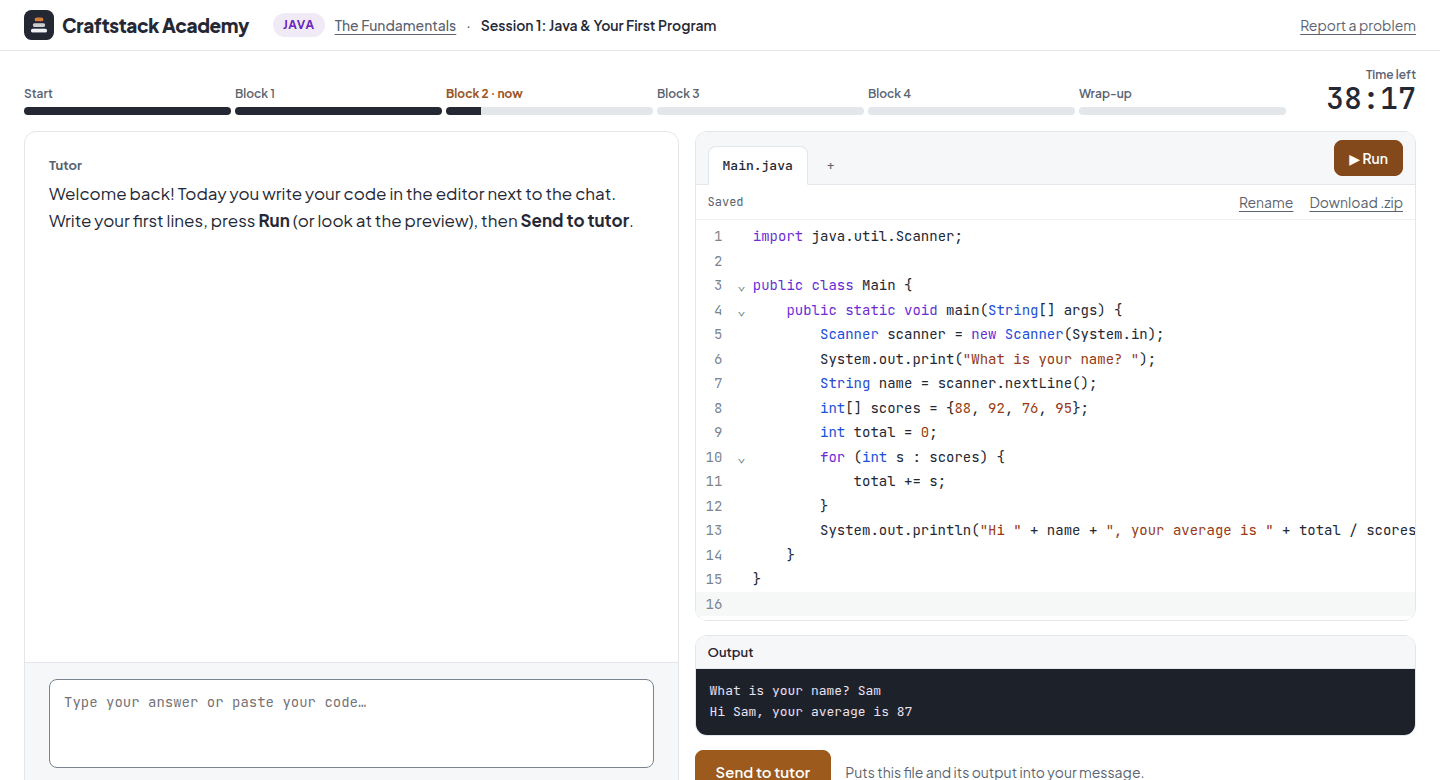
That is exactly what our free trials are for. Each one is 20 minutes, one-on-one with an AI tutor, in Python, a web page, SQL or Java, right in your browser, with no card and nothing to install. The tutor reads your real code and output, and when something breaks, it asks questions and gives hints instead of handing you the fix. You can take one free trial, so start with the language you're most curious about.
Not sure even after reading this? When you sign in on the trial page, you answer four short questions (what you want to learn, how much you've coded, how much time you have and why you're learning), and we recommend a course and the session to start with.
Frequently asked questions
Is Python or JavaScript better for a complete beginner?
Both are good first languages. Python is a little easier to read and stops you with a clear error when you mix things up. JavaScript shows results on a web page straight away. If you want to build websites, start with HTML, CSS and JavaScript; for anything else, or if you're unsure, start with Python.
Can I learn SQL as my first language?
Yes. SQL is small, very practical and quick to get useful with, especially if your job involves data. Just know that it answers questions about data rather than building programs, so you'll probably add Python or JavaScript later.
Is Java too hard to start with?
No, just slower to get going. You type more before your first result, and the compiler insists on details that Python lets slide. In return, you understand types and structure early, which makes later languages easier. If you're studying computer science, starting with Java is a sensible choice.
How long until I can build something real?
It depends on how much time you put in, but here is a realistic picture from our own courses. After the first four one-hour sessions of Python, you write small working scripts on your own. After twelve, you have finished a project of your own that works with files and classes. On the web path, you build an interactive page in the capstone of the second course, after eight sessions. With one session a week, twelve sessions is about three months.
Should I learn two languages at once?
Usually not at the start. The exceptions are HTML, CSS and JavaScript, which belong together, and SQL, which pairs well with Python once you know the basics of one of them. Otherwise, get comfortable with one language first. The second will come much faster.
Whichever you choose, the most important step is the first program you write yourself. Pick a language, write a few lines, and run them today.