The Build
Files, error handling, modules, and object-oriented basics, ending in a capstone project.
- Builds on Course 2
- VS Code on your own computer
- Certificate when you finish all 3 courses
Course overview
What you'll learn
- Read and write text and CSV files, and save an inventory that survives between runs.
- try, except, else and finally, raising your own errors, and a calculator that never crashes.
- The standard library, your own modules, pip, and classes with __init__, methods and __str__.
- A lab, the quiz, and a working first version of your final project: a Contact Book, Budget Tracker or Quiz Game.
Who this course is for
- You finished Course 2, The Toolkit, or already know what it covers.
- You learn best by writing the code yourself, not by watching videos.
- You want feedback on your own code, at your own pace, one hour at a time.
- You want to work with real files on your own computer.
Course syllabus
Each session is one hour with the AI tutor and uses one credit. Sign in to start.
Session 1Working with FilesRead and write text and CSV files, and save an inventory that survives between runs.
- Welcome, warm-up and setup10 min
- Reading and writing text files10 min
- File modes and checking if a file exists10 min
- CSV files10 min
- Project: inventory.py10 min
- Final check and wrap-up10 min
Session 2Error Handlingtry, except, else and finally, raising your own errors, and a calculator that never crashes.
- Welcome back and warm-up10 min
- try and except10 min
- Common exceptions, else and finally10 min
- Specific vs bare except, and raising your own errors10 min
- Project: calculator.py10 min
- Final check and wrap-up10 min
Session 3Modules & Your First ClassesThe standard library, your own modules, pip, and classes with __init__, methods and __str__.
- Welcome back and warm-up10 min
- The standard library and import styles10 min
- Your own modules and pip10 min
- Classes, objects, __init__ and self10 min
- More behavior and __str__10 min
- Final check and wrap-up10 min
Session 4Practice Lab & Final CapstoneA lab, the quiz, and a working first version of your final project: a Contact Book, Budget Tracker or Quiz Game.
- Welcome back and warm-up10 min
- Practice lab10 min
- Course quiz and choosing the capstone10 min
- Build step 2 and 3: the class, save and load10 min
- Build step 4 and 5: the menu and error handling10 min
- Final check, plan and celebration10 min
How the tutor teaches
The same three rules in every session, from the first line of code to the last.
Practice, not videos
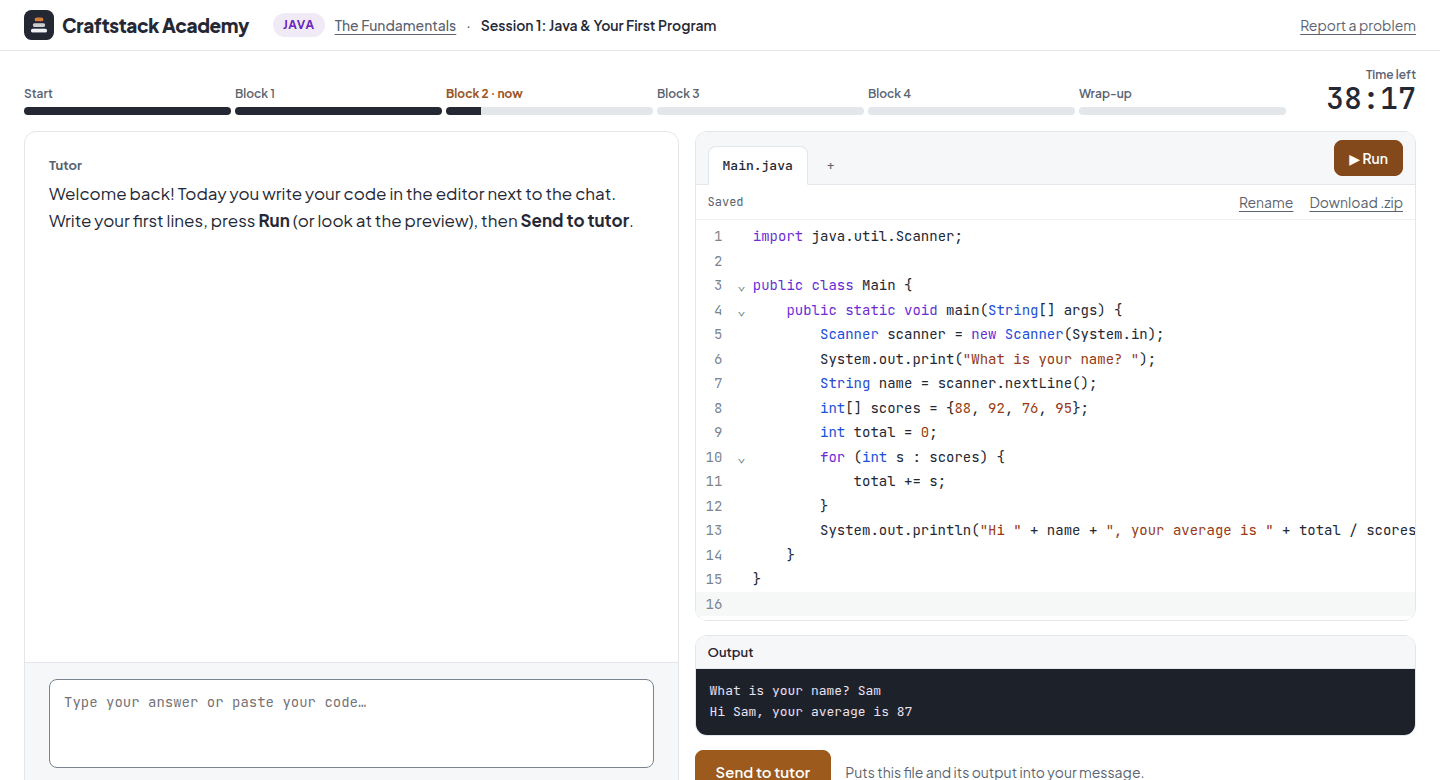
You write all of the code. The tutor reacts to what you actually typed, line by line.
Hints, not answers
A ladder from a light nudge to the solution, and only after you have made a real attempt.
Real output, never invented
Your code runs for real. The tutor reads what the machine showed, and trusts it.
Keep the momentum going
Where the other paths begin.
Frequently asked questions
What students ask before they start The Build.
Do I need to install anything?
Yes: this course uses VS Code on your computer. Its first session walks you through the setup step by step.
What if I get stuck?
The tutor gives a ladder of hints, from a light nudge to the solution, and only after you have made a real attempt.
Do I keep my code?
Yes. Your files stay on your own computer, in the folder you make in the first session.
Do I get a certificate?
Yes, for the whole path. When you have finished all 3 courses of Python from Scratch (this is Course 3), you get the Python from Scratch certificate of completion with your name: a link anyone can check, one-click LinkedIn and a PDF. Your progress towards it is on your dashboard.
Do I need anything from before?
This course builds on Course 2, The Toolkit. Take the sessions in order.
Write your first program in the next 20 minutes.
Twenty minutes with the tutor, right in your browser. No card, nothing to install.
Start the free trial