Craftstack Academy
PythonCourse 2 of 3 · Python from Scratch

The Toolkit

Control flow and data structures: conditionals, loops, lists, dictionaries, sets, and functions.

  • 4 sessions
  • 60 min each
  • Beginner+
  • Builds on Course 1
  • Browser editor or VS Code
  • Certificate when you finish all 3 courses

Course overview

What you'll learn

  • if, elif and else, truthy values and the one-line ternary, ending in a grade calculator.
  • for, while, range, break and continue, and a number guessing game.
  • Lists, tuples, dictionaries, sets and list comprehensions, and a gradebook.
  • Write your own functions and build a To-Do List Manager.

Who this course is for

  • You finished Course 1, The Workbench, or already know what it covers.
  • You learn best by writing the code yourself, not by watching videos.
  • You want feedback on your own code, at your own pace, one hour at a time.
  • You would rather start in the browser than install tools first.

Course syllabus

  • 4 sessions
  • 24 blocks of 10 min
  • 4 hours

Each session is one hour with the AI tutor and uses one credit. Sign in to start.

  1. Session 2Loopsfor, while, range, break and continue, and a number guessing game.
    1. Welcome back and warm-up10 min
    2. for loops and range()10 min
    3. Accumulator pattern and enumerate()10 min
    4. while, break and continue10 min
    5. Project: guess.py10 min
    6. Final check and wrap-up10 min
  2. Session 3Lists, Dictionaries & SetsLists, tuples, dictionaries, sets and list comprehensions, and a gradebook.
    1. Welcome back and warm-up10 min
    2. Lists10 min
    3. Dictionaries10 min
    4. Tuples, sets and list comprehensions10 min
    5. Project: gradebook.py10 min
    6. Final check and wrap-up10 min
  3. Session 4Functions & To-Do CapstoneWrite your own functions and build a To-Do List Manager.
    1. Welcome back and warm-up10 min
    2. Defining functions, parameters and return10 min
    3. Defaults, keyword arguments, multiple returns and scope10 min
    4. Good functions, Lab C and the quiz10 min
    5. Course capstone, To-Do List Manager10 min
    6. Final check and wrap-up10 min

How the tutor teaches

The same three rules in every session, from the first line of code to the last.

Practice, not videos

You write all of the code. The tutor reacts to what you actually typed, line by line.

Hints, not answers

A ladder from a light nudge to the solution, and only after you have made a real attempt.

Real output, never invented

Your code runs for real. The tutor reads what the machine showed, and trusts it.

Keep the momentum going

The next course of Python from Scratch, and where the other paths begin.

All courses

Errors you may meet in this course

Frequently asked questions

What students ask before they start The Toolkit.

Do I need to install anything?

Not for this course. The editor in the page runs your code next to the chat. If you prefer, you can use VS Code on your own computer.

What if I get stuck?

The tutor gives a ladder of hints, from a light nudge to the solution, and only after you have made a real attempt.

Do I keep my code?

Yes. In the editor in the page, your project is saved on the server for this course, continues in your next session on any device, and downloads as a .zip.

Do I get a certificate?

Yes, for the whole path. When you have finished all 3 courses of Python from Scratch (this is Course 2), you get the Python from Scratch certificate of completion with your name: a link anyone can check, one-click LinkedIn and a PDF. Your progress towards it is on your dashboard.

Do I need anything from before?

This course builds on Course 1, The Workbench. Take the sessions in order.

Write your first program in the next 20 minutes.

Twenty minutes with the tutor, right in your browser. No card, nothing to install.

Start the free trial
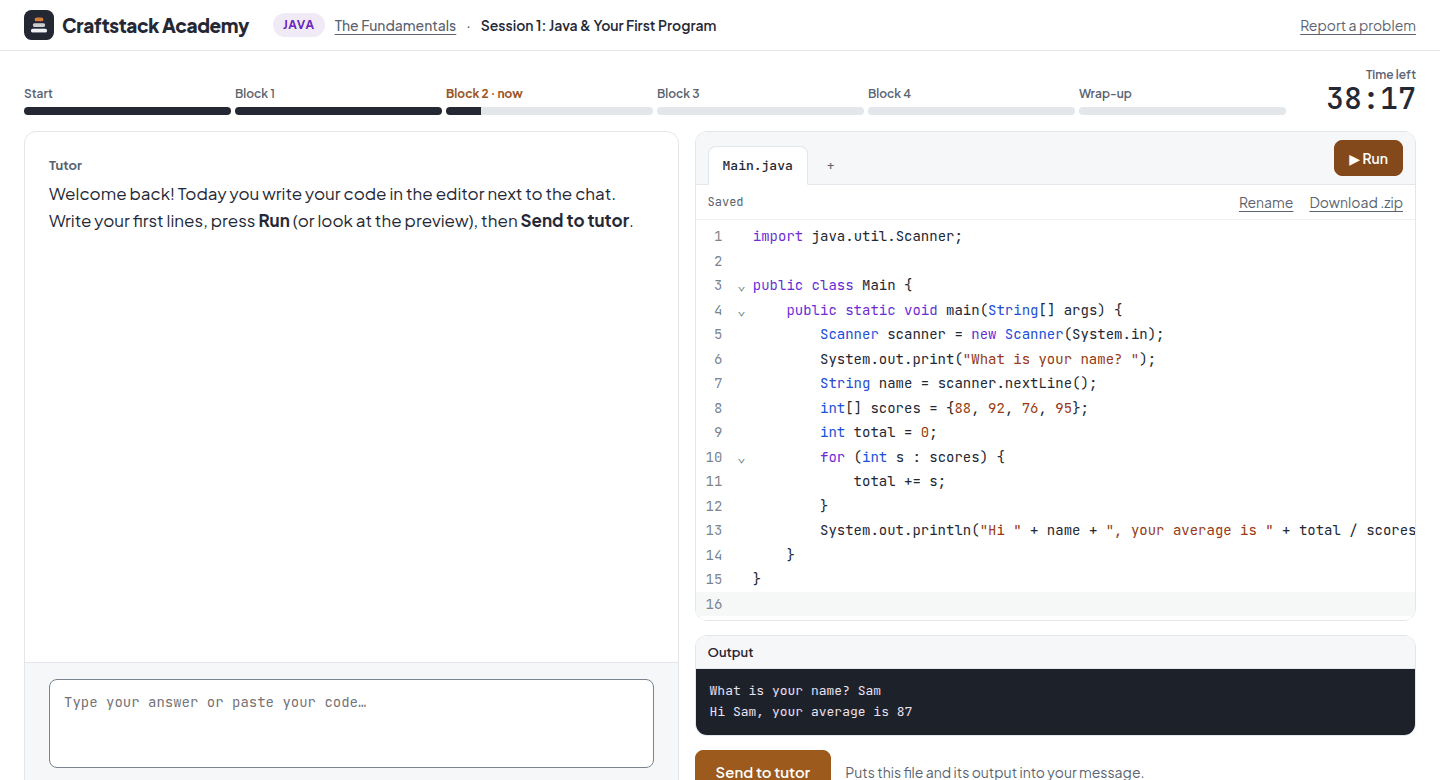
A session: the tutor's chat on the left, the code editor with a Java program and its output on the right